Kids Gadget Maintenance: Quarterly Checklist for Longer Life
Advertisement
Regular kids gadget maintenance through a structured quarterly checklist can extend device lifespan by approximately 2 years. This guide covers essential cleaning, software updates, battery care, and protective measures that keep tablets, phones, and gaming devices functioning optimally while protecting your family investment.
Kids gadget maintenance: quarterly checklist for extending device life
Modern children interact with technology from a remarkably young age, and tablets, smartphones, and gaming devices have become essential tools for learning, entertainment, and social connection. However, these devices face unique challenges in young hands — sticky fingers, accidental drops, unsupervised app downloads, and the inevitable wear of daily use.
The good news is that consistent maintenance through a simple quarterly routine can dramatically extend the life of kids gadgets. Research indicates that well-maintained electronic devices can last 30-50% longer than neglected ones, translating to significant cost savings for families and reducing electronic waste. This comprehensive checklist provides parents with a practical framework for keeping devices in top condition throughout the year.
Quarter 1: Deep cleaning and physical inspection
The first quarter of the year offers an ideal opportunity to perform a thorough deep clean and physical inspection of all kids gadgets. After the holiday season, many children have received new devices or have been using existing ones extensively during winter break, making this an essential maintenance period.
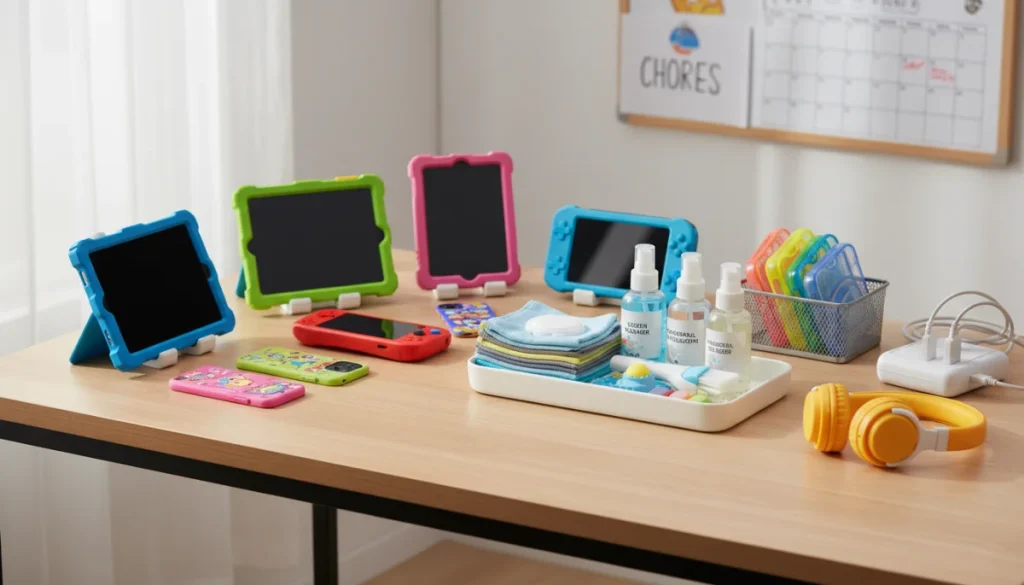
Begin by powering down each device completely before cleaning. Remove any cases or accessories to access all surfaces. Use a soft, lint-free microfiber cloth slightly dampened with water or a gentle electronics-safe cleaner to wipe screens, paying special attention to areas around cameras and speakers where dust accumulates. For crevices, a compressed air canister or soft brush works effectively to dislodge debris without damaging internal components.
Advertisement
Physical inspection checklist
During cleaning, take the opportunity to inspect each device for signs of damage that may worsen over time. Check charging ports for lint buildup, examine cables for fraying or exposed wires, and look for hairline cracks in screens that could expand with continued use. Identifying these issues early allows for timely repairs before they become major problems.
- Examine screen for scratches, cracks, or dead pixels
- Check all buttons for proper responsiveness
- Inspect charging ports and clean any debris
- Verify speakers and microphones function clearly
- Test camera lenses for clarity and smudges
Document any issues found during inspection. Small cracks may be repairable through screen protectors or professional services, while charging port problems often resolve with careful cleaning. This proactive approach prevents minor issues from escalating into device failure.
Quarter 2: Software updates and security review
The second quarter focuses on the digital health of kids gadgets. Software updates contain critical security patches, performance improvements, and new features that keep devices running smoothly and safely. Many parents overlook these updates, leaving devices vulnerable to security threats and performance degradation.
Advertisement
Start by checking for operating system updates on all devices. Most devices offer automatic update options that can be enabled to simplify this process, but manual verification ensures nothing is missed. Review installed applications and remove any that are no longer used or appropriate for the child’s age. Outdated apps can pose security risks and consume valuable storage space.
Parental control verification
Quarter two is also an ideal time to review and adjust parental control settings. Children’s online activities and exposure needs change rapidly, making regular assessment of these controls essential. Verify that content filters are age-appropriate, screen time limits align with current family rules, and app purchase restrictions remain active.
Check that age ratings on installed games and applications still match your child’s development. What was appropriate six months ago may no longer suit their current maturity level. Many devices maintain activity logs that can help parents understand how children use their gadgets, identifying areas where additional guidance or restrictions may be needed.
Review connected accounts for any suspicious activity and ensure two-factor authentication is enabled where available. This protects both the device and any linked payment methods or personal information.
Quarter 3: Battery health and charging habits
The third quarter marks the midpoint of the year and provides an opportunity to focus on battery maintenance, which significantly impacts overall device longevity. Lithium-ion batteries, which power most modern kids gadgets, degrade over time but proper charging habits can slow this process considerably.
Evaluate current charging patterns and identify any habits that may accelerate battery degradation. Avoid letting devices discharge completely before charging, as this stresses battery cells. Similarly, leaving devices plugged in at 100% charge for extended periods can reduce battery capacity over time. Ideally, maintain charge levels between 20% and 80% for optimal battery health.
Temperature plays a crucial role in battery longevity. Ensure devices charge in cool, well-ventilated areas and avoid using devices while they charge, as this generates additional heat. Remove thick protective cases during charging if they cause excessive warming. For devices with removable batteries, having a spare on hand can reduce wear on the primary battery during heavy use periods.
Storage optimization
Third quarter is also an excellent time to address storage management. Devices running low on storage experience performance issues and may struggle with essential updates. Review photos, videos, and applications to remove unnecessary files. Many devices offer cloud backup options that preserve memories while freeing local storage. Uninstall games or applications that haven’t been used in several months rather than allowing them to occupy space.
Clear cache files from browsers and applications to improve performance. While this doesn’t harm any personal data, it removes temporary files that accumulate over time and can slow device operation.
Quarter 4: Protection and preparation for next year
The final quarter prepares kids gadgets for the demanding winter season and sets maintenance patterns for the coming year. This period combines protective measures with planning to ensure devices survive holiday travel, increased usage during school breaks, and potential exposure to harsh conditions.
Invest in quality protective cases if they aren’t already in use. Drop protection becomes especially important during busy holiday periods when devices may be passed between relatives or used in unfamiliar environments. Screen protectors add an additional layer of defense against scratches and cracks. Water-resistant cases provide peace of mind during winter snow activities or accidental spills.
Create a designated charging station with proper cable management to prevent tripping hazards and protect charging equipment from damage. This organizational approach reduces cable wear and makes it easier to ensure all devices are charged and ready for use.
Backup and data protection
Before the holiday season intensifies, ensure all important data is backed up properly. Photos, school projects, and game progress represent significant investments of time and creativity that would be devastating to lose. Cloud services offer automatic backup options, while local computer backups provide additional security for families preferring physical storage solutions.
Document device serial numbers and purchase information for insurance purposes. Taking photos of devices with their serial numbers visible simplifies claims processes if loss or damage occurs. Consider whether extended warranty or insurance coverage makes sense for particularly expensive devices or those used by younger children.
Establish a routine for the upcoming year by scheduling quarterly maintenance reminders on a family calendar. Treating device care as a regular household task, similar to changing HVAC filters or checking smoke detectors, ensures consistency and prevents the buildup of issues that lead to early device failure.
Age-appropriate maintenance involvement
Teaching children to participate in device maintenance builds valuable life skills while distributing the care workload for parents. Age-appropriate involvement helps children understand the value of their gadgets and develops responsibility that extends to other areas of their lives.
Younger children can help with simple tasks like wiping screens with supervision, ensuring devices return to designated storage areas, and reporting any damage or issues they notice. Elementary-age children can learn to charge devices properly, organize charging cables, and identify when a device needs attention. Teenagers can handle most maintenance tasks independently with periodic parental oversight, building independence while maintaining safety.
This collaborative approach reduces the burden on parents while creating teachable moments about responsibility and care. Children who participate in maintaining their gadgets often develop stronger attachment to their proper use and care, potentially reducing intentional damage or neglect.
When to seek professional help
Despite diligent maintenance, some issues require professional attention. Recognizing when to involve experts prevents further damage and can save money compared to attempting repairs that void warranties or cause additional problems.
Screen damage beyond minor scratches typically requires professional replacement. Battery replacement becomes necessary when devices struggle to hold charge or discharge rapidly despite proper charging habits. Water damage, even if the device appears to function normally afterward, often causes internal corrosion that worsens over time and should be assessed by professionals.
Persistent software issues, including frequent crashes or inability to complete updates, may indicate hardware problems requiring diagnostic attention. Many manufacturers and third-party repair shops offer affordable diagnostic services that can identify issues before they cause complete device failure.
| Maintenance Area | Key Actions |
|---|---|
| Physical Care | Deep clean, case inspection, port cleaning, damage assessment |
| Software Health | OS updates, app review, parental control verification, security check |
| Battery Management | Charging habit review, temperature monitoring, storage optimization |
| Protection Measures | Case and screen protector review, backup verification, documentation |
What comes next
Implementing this quarterly kids gadget maintenance routine delivers measurable benefits for families. Extended device lifespan translates directly to cost savings, with well-maintained devices potentially serving children for several additional years. Beyond financial advantages, consistent care reduces the environmental impact of electronic waste by keeping devices in service longer.
The skills children develop through participating in device maintenance transfer to other areas of responsibility. Learning to care for valuable possessions builds habits that serve them throughout life. As technology continues to play an expanding role in education and professional life, these early experiences with proper device stewardship become increasingly valuable.
Looking ahead, families should expect device maintenance to become even more important as children’s gadgets grow more sophisticated and expensive. Emerging technologies including augmented reality devices, advanced wearables, and increasingly powerful tablets will require similar maintenance attention while offering new learning opportunities for children who understand how to care for their technology investments.